Automation Testing Course Training in Los Angeles with Placement
New Batch Starting Soon — Limited Seats! Book Demo Now
Stad Solution Logo
WhatsApp icon

Automation Testing Course in Los Angeles with Placement

Join top Automation Testing Courses in Los Angeles. Get expert training, certification, and job placement. Enroll in online or in-person QA training at the best automation testing academy.

Course Overview

Certification and Accreditation

Our Accreditations : ISO 9001 : 2015 Certified Training Institute with Egypt ISO Accreditation
Google review of Students for STAD Solution

4.9 / 5

Justdial Reviews of Students for STAD Solution

4.9 / 5

Shulekha review of Students for STAD Solution

4.9 / 5

Best Automation Testing Course in Los Angeles

Java

MY SQL

Selenium

WebDriver

TestNG

Selenium Grid

Maven

Jenkins

Cucumber

GitHub

Projects

Resume Prep

Mock Interviews

Placement Support

Varun Sonavane Training Review for STAD Solution

Varun Sonavane

Before Training

Tech Mahindra logo with students placed after completing training at STAD Solution
Arrow Down 2

After Training

Accenture logo with students placed after completing training at STAD Solution
Henil Gajjar Training Review for STAD Solution

Henil Gajjar

Before Training

Vivo logo with students placed after completing training at STAD Solution
Arrow Down 2

After Training

Jio logo with students placed after completing training at STAD Solution
Mayank Verma Training Review for STAD Solution

Mayank Verma

Before Training

Tech Mahindra logo with students placed after completing training at STAD Solution
Arrow Down 2

After Training

TCS logo with students placed after completing training at STAD Solution

350+ Companies are hiring from
STAD Solution

STAD Solution alumni placed at leading MNC companies
STAD Solution alumni job placement at leading MNC companies

Our Facts & Figures

0 %
Job Placement
0 +
Company Tie-Ups
0 +
Years of Experience
0 %
MNC Placement
Book a Free Demo

Student Testimonials

For STAD Solution, Student's satisfaction is the top most priority

Automation Testing Course in Los Angeles

Automation testing plays a crucial role in modern software development by increasing efficiency and reducing human errors. With the tech industry rapidly growing in Los Angeles, the need for skilled automation testers has become more pronounced. This demand has created exciting opportunities for individuals with expertise in automation tools and frameworks.

STAD Solution’s online Automation Testing Course offers a flexible way to gain these in-demand skills. Designed for aspiring testers and professionals alike, this program equips learners with the knowledge required to succeed in the competitive field of software testing.

Placement of

Non-IT Candidate |

Placement of

Year Gap Candidate |

Eligibility

Eligibility Criteria - Any Graduate

Manual Tester

Coding Knowledge not Required for Course

No prior coding knowledge is required.

which degree Required icon

Any Degree - B. Tech, BSc, B.Com, BBA, etc.​

Can IT and Non-IT candidate can do this Course icon

All IT & Non-IT Branches - CS, EE, Civil, Mech, etc

Job Roles

many More..

Job Roles after IT training

Student Reviews

Thousands of positive review from our past students

How to switch from Manual to Automation ?

Our Training Methodology

STAD Solution's comprehensive training methodology
Book a free Demo
Placement records of STAD Solution

Automation Blogs

Get more knowledge about the Automation Testing

What Is Automation Testing And Why Is It Used ?

Difference Between Manual And Automation Testing

How To Become A QA Automation Tester?

Impact Of AI On The Software Testing Field

Best Automation Testing Training in Los Angeles

Automation testing has reshaped the way software is validated and released. It differs from manual testing by using various scripts and tools for repeated tasks, ensuring faster and more accurate outcomes. Since today’s tech world prizes speed and efficiency, a robust automation testing approach can be a game-changer.

Key Benefits of Automation Testing in Software Development

Increased Efficiency: Repetitive tasks get automated, so testers can concentrate on more involved scenarios.

Better Accuracy: Automated scripts lessen mistakes caused by manual intervention, allowing more reliable results.

Cost Savings: Although initial setup costs exist, they often pay off when tests run frequently across projects.

Reusability: Test scripts can be adapted for multiple systems, boosting overall productivity.

Flexibility to Learn from Anywhere

STAD Solution’s automation testing online course in Los Angeles is accessible worldwide, so you can study at home or while traveling. This flexible setup is ideal for busy adults who balance work, studies, or other obligations. Even those outside Los Angeles can benefit from live sessions and recorded materials without missing crucial content.

Access to Recordings of Live Sessions

Each live session is recorded, allowing participants to revisit topics and clarify details. If you want to go over testing frameworks or reexamine Selenium steps, recordings offer continuous support. This feature is especially useful for professionals in Los Angeles who might manage tight work schedules while pursuing an automation testing certification.

Networking Opportunities with Peers

STAD Solution encourages interaction among learners from Los Angeles and beyond. This approach fosters professional connections and the exchange of valuable insights. Group discussions, shared assignments, and collaborative exercises help participants build a supportive community, which can be helpful during coursework and after program completion.

The Automation Testing Course at STAD Solution is crafted to provide core skills and boost confidence in this vital discipline.

Structured Learning Path Designed by Industry Experts

A team of experienced professionals has planned the curriculum, focusing on fundamentals, advanced automation frameworks, and widely used tools such as Selenium, TestNG, and Appium. Whether you’re completely new or seeking to sharpen existing skills, this curriculum supports your learning at every level.

Live Classes and Interactive Sessions

Engagement is maintained through live, instructor-led sessions. Learners can ask questions, share ideas, and resolve doubts in real time:

Weekly Q&A Sessions: Tailored to address specific inquiries or roadblocks.

Hands-On Exercises: Conducted during live classes to build deeper practical knowledge.

Real-World Case Studies and Capstone Projects

Hands-on involvement is a key part of the program. Through case studies and final projects, participants create automation scripts, simulate real workplace scenarios, and refine problem-solving abilities.

Lifetime Access to Course Materials

Enrollment in the program grants permanent access to training content and recorded sessions, ensuring that you can revisit these resources whenever the need arises. Keeping skills updated becomes simpler when materials remain within reach, even after the course concludes.

Comprehensive Job Assistance Offered By STAD Solution

Beyond teaching technical expertise, the course prepares learners for future positions:

Resume Building: Guidance on emphasizing automation testing capabilities.

Mock Interviews: Practice sessions to develop confidence and interview strategies.

Placement Support: Introductions to recruiters in Los Angeles and other locations, increasing your visibility in the job market.

Beginning your online automation testing journey with STAD Solution is a hassle-free process:

Visit the Website: Go to the official STAD Solution page.

Choose the Course: Locate the “Automation Testing Course” section and select “Enroll Now.”

Fill Out the Registration Form: Enter your details (name, email, phone), and send in the form.

Our Support Team Will Contact You: A dedicated representative will provide further instructions and answer initial concerns.

Call: +91 75730 55588 or +91 75730 55177 to speak directly about course details.

Online Form: Complete the website’s contact form, and our support team will respond quickly.

Take the opportunity to strengthen your resume by enrolling in one of the top automation testing courses in Los Angeles. Begin your path toward becoming a skilled automation tester and open doors to a world of technological growth.

FAQs

Yes, the program covers foundational topics for newcomers with no previous exposure.

Key tools include Selenium, Appium, TestNG, and JUnit, among others.

No, basic coding lessons are introduced, and non-technical learners can keep pace.

It is fully online, with live lectures and flexible scheduling options.

Yes, job assistance is part of the package, covering resumes, mock interviews, and industry links.

Fields like e-commerce, healthcare, and finance welcome testers skilled in automation.

Yes, a course completion certificate is awarded upon meeting the necessary requirements

Yes, the entire course is accessible globally, offering live sessions and recordings.

Yes, each session is recorded, enabling revisions any time.

Real-world projects, industry-oriented content, and expert mentorship set it apart from other options.

Yes, active projects are part of the curriculum to strengthen practical skills.

Yes, advanced modules and extra courses can be pursued to deepen your expertise.

Absolutely, interactive sessions and group discussions allow valuable professional networking.

A functioning laptop with an internet connection, plus basic testing tools recommended by the course.

Yes, sessions are recorded, and revision is always possible through the accessible online platform.

Call us directly at +91 75730 55588 or +91 75730 55177, or fill out the contact form on the website.

Certificates

Internship Certificate
Course Certificate
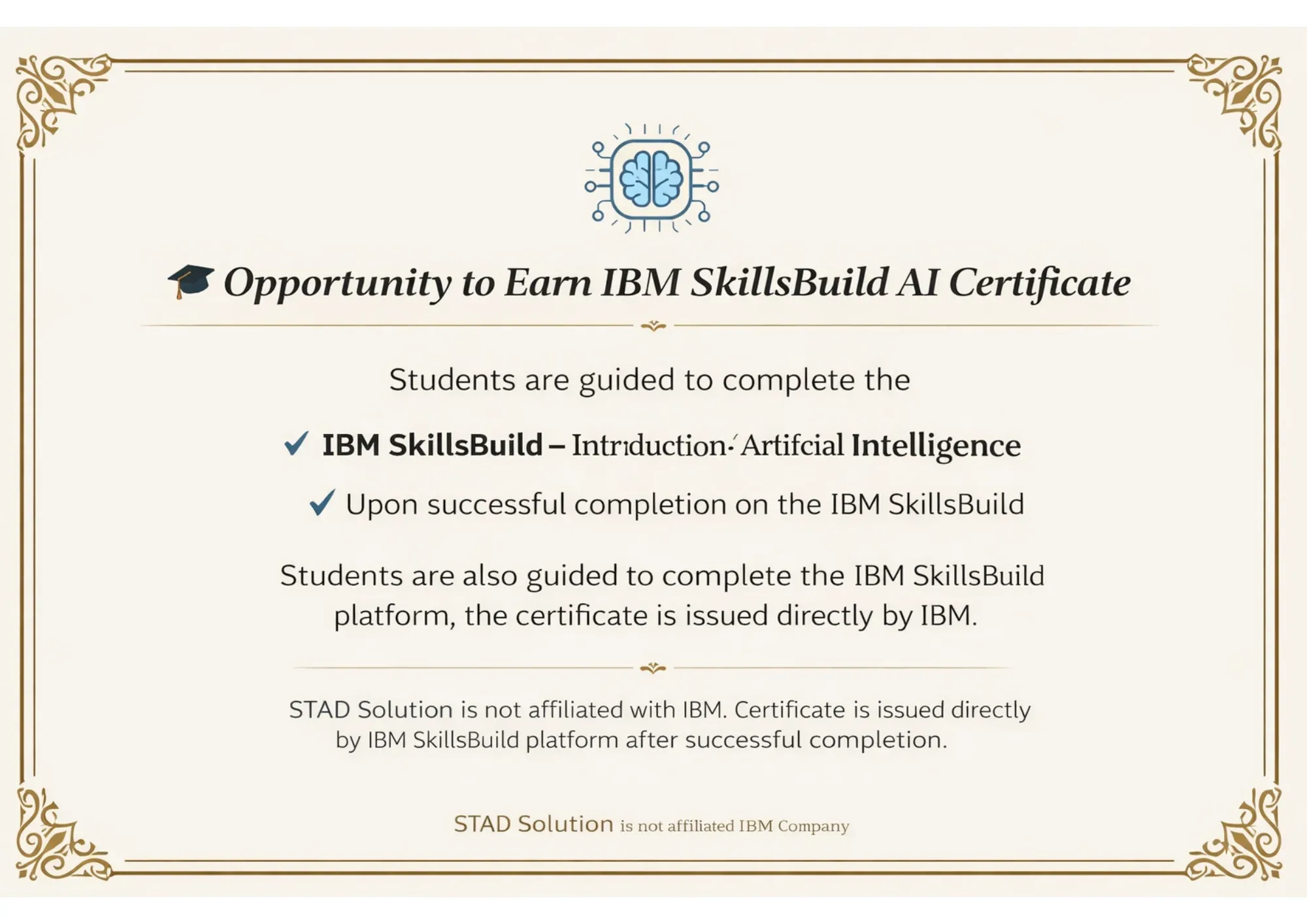
AI Certificate

Curriculum

Introduction of Java
Class Structure
Variables & Methods
Variables & Methods
Statements
Array
OOPs
Miscellaneous - Package, Import, Typecasting etc
Practical Programs

What is Automation ?
Advantages and Disadvantages of Automation
Different Types of Automation Tools
What to Automate in Projects
When to Start Automation
Scope for Automation Testing in Projects

Introduction to Web Driver
Advantages
Different between RC and Web Driver
Locators (How to find locators through Firebug and Manually, Common HTML Structure etc)
Id, Name, Xpath, CSS
Selenium WD-Browser commands
Selenium WD-validate commands
Selenium WD-Interaction Commands
Working with Browser Elements
Working with Multiple Windows/ iFrames
Working with Drop Downs
Working with Excel
ass the data from Excel
Export reports into Excel
Working with multiple browser

What is Selenium Grid?
When to Use Selenium Grid?
What is a Hub and Node?
How to Install and Use Grid 2.0?
Designing Test Scripts That Can Run on the Grid
Using the Desired Capabilites Object
Using the RemoteWebDriver Object
Running a Sample Test Case on the Grid
Sequential and Parallel Test Execution
Running Tests on different Browsers

What is Maven and Why Maven?
Installing/Configuring Maven
Creating Maven Project
What is POM.xml?
Adding Dependencies to POM.xml
Selenium Web Driver setup

Arranging Tests in 3-As format
F.I.R.S.T Principles and SRP
Various Annotations in TestNG
TestNG configuration file
Configuration Annotations
Attributes of @Test
Parallel Test Execution Capability
Assertion APIs
Passing Parameters to Tests
Configuring Test Suites
Reports using TestNG

Introduction to Cucumber
Setting Up Cucumber Environment
Writing Feature Files
Gherkin Syntax
Step Definitions
Running Cucumber Tests
Cucumber Options
Data Tables
Scenario Outline and Examples
Hooks in Cucumber
Tags in Cucumber
Integrating Cucumber with Selenium
Cucumber Reports
Parameterizing Tests

Introduction to CI/CD
Overview of Jenkins
Installing and Configuring Jenkins
Understanding Pipelines
Creating a Simple Pipeline
Pipeline as Code (Jenkinsfile)
Configuring Source Code Management
Automated Builds
Automated Testing
Continuous Integration Workflows

Introduction to GitHub
Setting Up GitHub Account
Understanding Repositories
Creating and Cloning Repositories
Basic Git Commands
Committing Changes
Branching and Merging
Pull Requests

Introduction to Postman and its role.
Key features and benefits.
Installing Postman on various platforms.
Understanding APIs and their significance.
Overview of HTTP protocol.
RESTful architecture principles.
Postman interface overview.
Navigating requests, collections, and environments.
Building and sending HTTP requests.
Using GET, POST, PUT, DELETE methods.
Sending requests with parameters and headers.
Handling request bodies and file uploads.
Understanding API responses and status codes.
Writing tests for API validation.
Organizing requests with collections.

Importance of performance testing.
Overview of testing tools.
JMeter installation and setup
Interface basics and test plan creation.
Configuring thread groups and scenarios.
Handling dynamic data with variables.
Parameterization using CSV and databases.
Running tests and real-time monitoring.
Analyzing results and reporting.
Advanced scenarios and distributed testing.
Adding assertions for validation.

GenAI Basics
Prompting for testers
Test Case Generation
Test Data Generation
Bug Report Summarization & Enhancement
Test Scenario Ideas
Code/Script Explanation
API Request/Response Understanding
GenAI Best Practices & Limitations

Resume Prep.
LinkedIn
PI - Preparation
Mock Interviews
Get a Job Click Here!!!
Get Me
JOB

Get the Details ✨


    Experience the Training Before You Enroll

    Understand the course, meet your mentor and see the live learning environment before joining.


      Experience the Training Before You Enroll

      Understand the course, meet your mentor and see the live learning environment before joining.


        Apply for Job-Focused Training Program


          Main Content