




Course Overview


Playwright Course
What You'll Learn & Build
Industry skills that take you from zero to automation expert
 Playwright


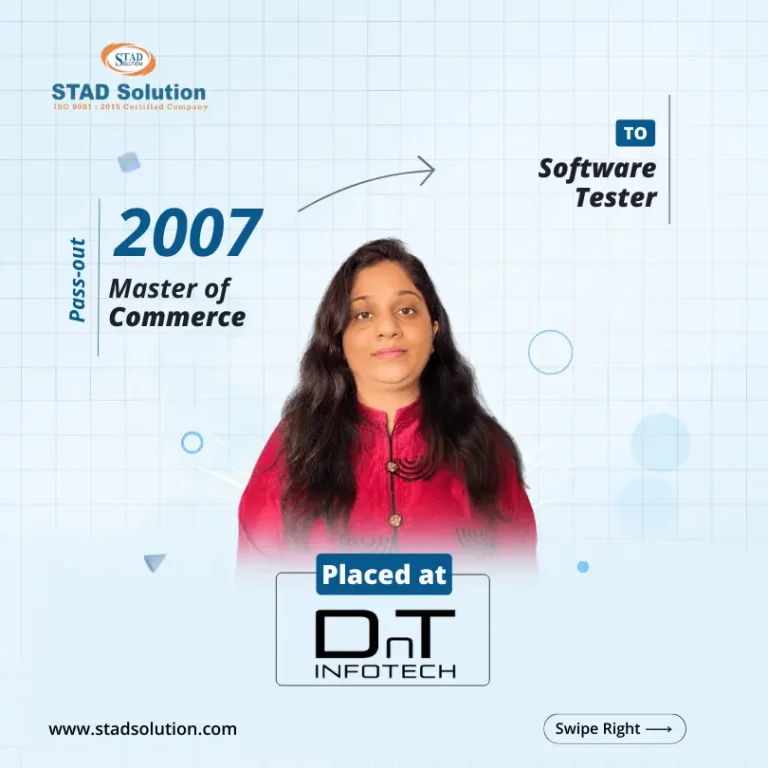


Best Training
STAD Solution transformed my IT skills. Excellent trainers, practical approach, and great learning atmosphere. Highly recommended

Mayank Verma
Placed In - TechMahindra Lodestone
Hands-On Training
Enrolling at STAD Solution was a game-changer. Top-notch courses, industry-relevant content, and dedicated instructors.

Arpi Patel
Placed In - TechMahindra Lodestone
Qualified Faculties
STAD Solution exceeded my expectations. Cutting-edge curriculum, hands-on labs, and supportive staff.

Tarshul Mehta
Placed In - Mplify
Practical Training
Choosing STAD Solution was the best decision. Exceptional training programs, expert guidance, and real-world projects.

Dhruvi Parikh
Placed In - Spyker Ltd
Personalized Attention
STAD Solution equips students for the IT industry with innovative courses, latest technologies, and personalized attention.

Aman Gohil
Placed In - codExalters Techlabs
Quality Training
Quality training, expert instructors, updated content, and practical exercises. Remarkable for IT enthusiasts

Dipesh Chauhan
Placed In - Ellkay Software


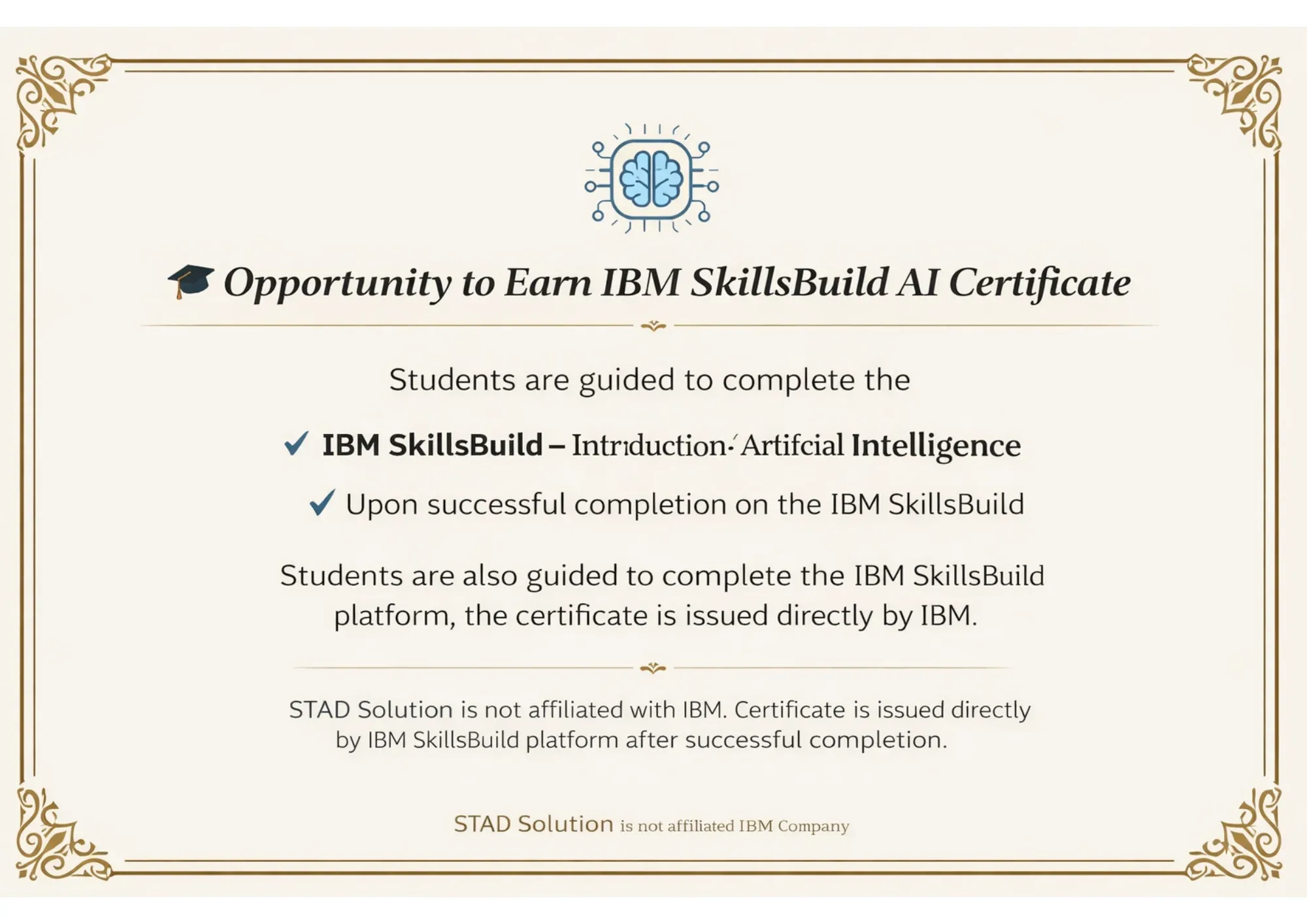
Certificates


Curriculum
Introduction of JavaScript
Setting up Node.js and VS Code
Variables (var, let, const)
Data Types (string, number, boolean, array, object)
Operators & Expressions
Functions (normal, arrow functions)
If-else, Switch
Loops: for, while, for-of, forEach
Scope & Closures
Objects & Arrays
Array Methods (map, filter, reduce)
JSON Basics (parsing & stringifying)
Error Handling with try/catch
ES6+ Features (Template literals, Destructuring, Spread/Rest)
Modules: import and export
npm Commands
Node.js File System Basics
Introduction to Playwright & Features
Installation and Setup
First Playwright Script
Writing Tests with Playwright Test Runner
Hooks: beforeAll, beforeEach, afterEach, afterAll
Config File (playwright.config.js)
Playwright Locators (getByRole, getByText, getByPlaceholder)
Click, Fill, Hover, Drag-Drop
Handling Dropdowns, Checkboxes, Radio Buttons
Handling Multiple Tabs and Pop-ups
Auto-waiting & Assertions with expect()
Screenshots & Video Recording
Introduction to API Testing
Using Requests for API Calls
Validating JSON Response
GET, POST, PUT, DELETE Methods
Combining API + UI Tests
Why is POM Needed
Creating Page Classes in JavaScript
Structuring Large Projects
Reusability & Maintainability
End-to-End Framework Setup
What is Maven & Why Use It
Maven Project Structure (pom.xml)
Adding Dependencies in pom.xml
Running Tests via Maven
Maven Lifecycle: compile, test, package
Maven Surefire Plugin
What is Git & Version Control
Git Installation & Configuration
git init, add, commit, status, log
Branching: create, switch, merge
Creating GitHub Repository
git push, pull, clone, fetch
Pull Requests & Code Review
Resolving Merge Conflicts
.gitignore Setup for Node.js
What is CI/CD
Jenkins Installation & Setup
Jenkins Dashboard Overview
Creating Freestyle & Pipeline Jobs
Build Triggers (manual, scheduled, webhook)
Jenkinsfile (Declarative Pipeline)
Running Playwright Tests in Jenkins
Publishing HTML/Allure Reports in Jenkins
Jenkins + GitHub Integration
Full Pipeline: Push Code → Build → Test → Report
What is Generative AI
Role of GenAI in Software Testing
Overview: ChatGPT, GitHub Copilot, Gemini
Prompt Engineering for QA
Generating Playwright Test Scripts using AI
Auto-generating Locators & Test Data
AI-assisted Debugging of Failed Tests
Using AI for Test Documentation
Practical GenAI + Playwright Workflow
FAQs
Yes, it starts from the basics. The structure suits beginners who want to enter automation using real examples and practice assignments.
Yes, we cover API calls, request validation, and chaining logic. It includes everything you need for a proper Playwright API Testing Course.
Yes, every session is recorded and shared. You can watch it anytime later and revise concepts at your own speed.
It’s a live course. Trainers teach in real time and solve doubts during class. Interaction is part of every session.
Yes, you’ll receive a completion certificate once you finish all sessions and submit your final project or assignment.
Yes, it’s available across India as a Playwright automation course online, so anyone can join regardless of their city.
Yes, it’s a Playwright Automation Course with Placement support. You’ll also get help with resume building and mock interviews.
Definitely. Playwright offers newer features and faster execution. It’s better suited for modern web apps than older tools like Selenium.
No. Basic JavaScript is enough. The course builds everything from scratch and keeps the coding part beginner-friendly.
We cover the basics and structure of a full Playwright Framework Course, including locators, runners, reporting, and folder setup.
It usually runs for 8 to 10 weeks with weekend and weekdays batch Timing options are shared during enrolment.
Yes, many learners manage this along with jobs. You’ll get recordings and flexible batch options for convenience.
The focus is on hands-on work. STAD provides practical Playwright automation training in Ahmedabad with tasks after every session.
You can ask your doubts instantly during class. The trainer also takes extra sessions if a topic needs more time.




