Course Overview


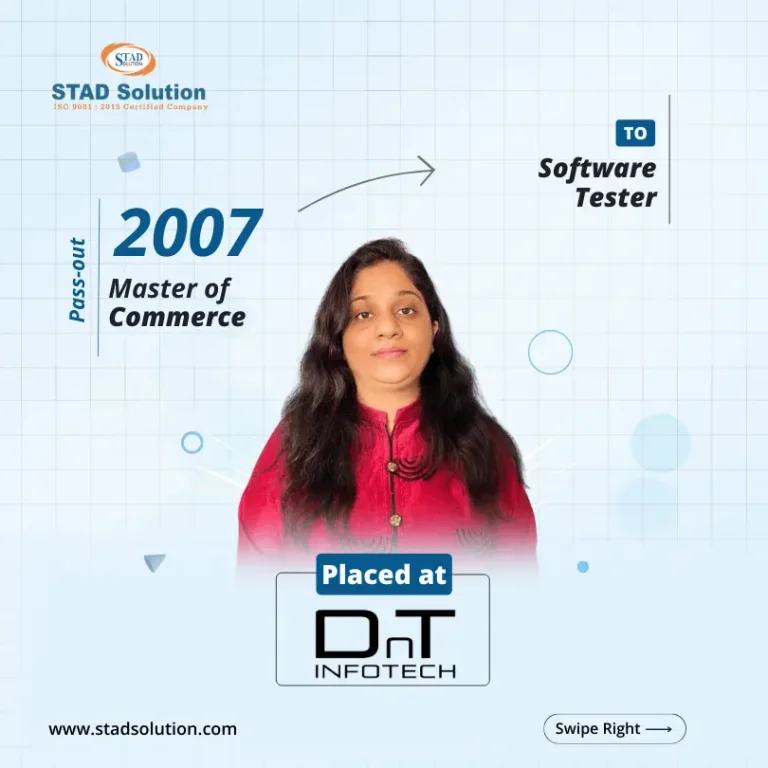


Best Training
STAD Solution transformed my IT skills. Excellent trainers, practical approach, and great learning atmosphere. Highly recommended

Mayank Verma
Placed In - TechMahindra Lodestone
Hands-On Training
Enrolling at STAD Solution was a game-changer. Top-notch courses, industry-relevant content, and dedicated instructors.

Arpi Patel
Placed In - TechMahindra Lodestone
Qualified Faculties
STAD Solution exceeded my expectations. Cutting-edge curriculum, hands-on labs, and supportive staff.

Tarshul Mehta
Placed In - Mplify
Practical Training
Choosing STAD Solution was the best decision. Exceptional training programs, expert guidance, and real-world projects.

Dhruvi Parikh
Placed In - Spyker Ltd
Personalized Attention
STAD Solution equips students for the IT industry with innovative courses, latest technologies, and personalized attention.

Aman Gohil
Placed In - codExalters Techlabs
Quality Training
Quality training, expert instructors, updated content, and practical exercises. Remarkable for IT enthusiasts

Dipesh Chauhan
Placed In - Ellkay Software


Certificates


Curriculum
Introduction of JavaScript
Setting up Node.js and VS Code
Variables (var, let, const)
Data Types (string, number, boolean, array, object)
Operators & Expressions
Functions (normal, arrow functions)
If-else, Switch
Loops: for, while, for-of, forEach
Scope & Closures
Objects & Arrays
Array Methods (map, filter, reduce)
JSON Basics (parsing & stringifying)
Error Handling with try/catch
ES6+ Features (Template literals, Destructuring, Spread/Rest)
Modules: import and export
npm Commands
Node.js File System Basics
Introduction to Playwright & Features
Installation and Setup
First Playwright Script
Writing Tests with Playwright Test Runner
Hooks: beforeAll, beforeEach, afterEach, afterAll
Config File (playwright.config.js)
Playwright Locators (getByRole, getByText, getByPlaceholder)
Click, Fill, Hover, Drag-Drop
Handling Dropdowns, Checkboxes, Radio Buttons
Handling Multiple Tabs and Pop-ups
Auto-waiting & Assertions with expect()
Screenshots & Video Recording
Introduction to API Testing
Using Requests for API Calls
Validating JSON Response
GET, POST, PUT, DELETE Methods
Combining API + UI Tests
Why is POM Needed
Creating Page Classes in JavaScript
Structuring Large Projects
Reusability & Maintainability
End-to-End Framework Setup
What is Git & Version Control
Git Installation & Configuration
git init, add, commit, status, log
Branching: create, switch, merge
Creating GitHub Repository
git push, pull, clone, fetch
Pull Requests & Code Review
Resolving Merge Conflicts
.gitignore Setup for Node.js
What is CI/CD
Jenkins Installation & Setup
Jenkins Dashboard Overview
Creating Freestyle & Pipeline Jobs
Build Triggers (manual, scheduled, webhook)
Jenkinsfile (Declarative Pipeline)
Running Playwright Tests in Jenkins
Publishing HTML/Allure Reports in Jenkins
Jenkins + GitHub Integration
Full Pipeline: Push Code → Build → Test → Report
What is Generative AI
Role of GenAI in Software Testing
Overview: ChatGPT, GitHub Copilot, Gemini, Claude
Prompt Engineering for QA
Generating Playwright Test Scripts using AI
Auto-generating Locators & Test Data
AI-assisted Debugging of Failed Tests
Using AI for Test Documentation
Practical GenAI + Playwright Workflow
MCP Server Connection
AI Agent
FAQs
It is training which focuses on teaching the learner about browser automation through Playwright. According to the course curriculum, it includes topics like UI Testing, End to End Testing, API Testing, assertions, and Automated Test Execution.
Contact STAD Solution to get more information on the training possibilities, available batches, and which one is best for you.
If you have interest in software testing and want to learn programming skills, then you can enquire about the course. It would be useful if one knows basic programming.
Playwright supports JavaScript, TypeScript, Python, and .NET (such as C#). The training will be based on the language selected by the trainee.
Yes, because it provides the functionality of browser UI and end-to-end testing as well as API request-response testing.
The period depends on the chosen course format and batch timing. Get in touch with STAD Solution for details regarding duration and next batches.
Costs for the course depend on the chosen training program and its extent. Get in touch with STAD Solution for more details.
This will be included in career guidance that includes resume preparation tips, interview coaching, and placement assistance. Please contact the experts to know more about the process.
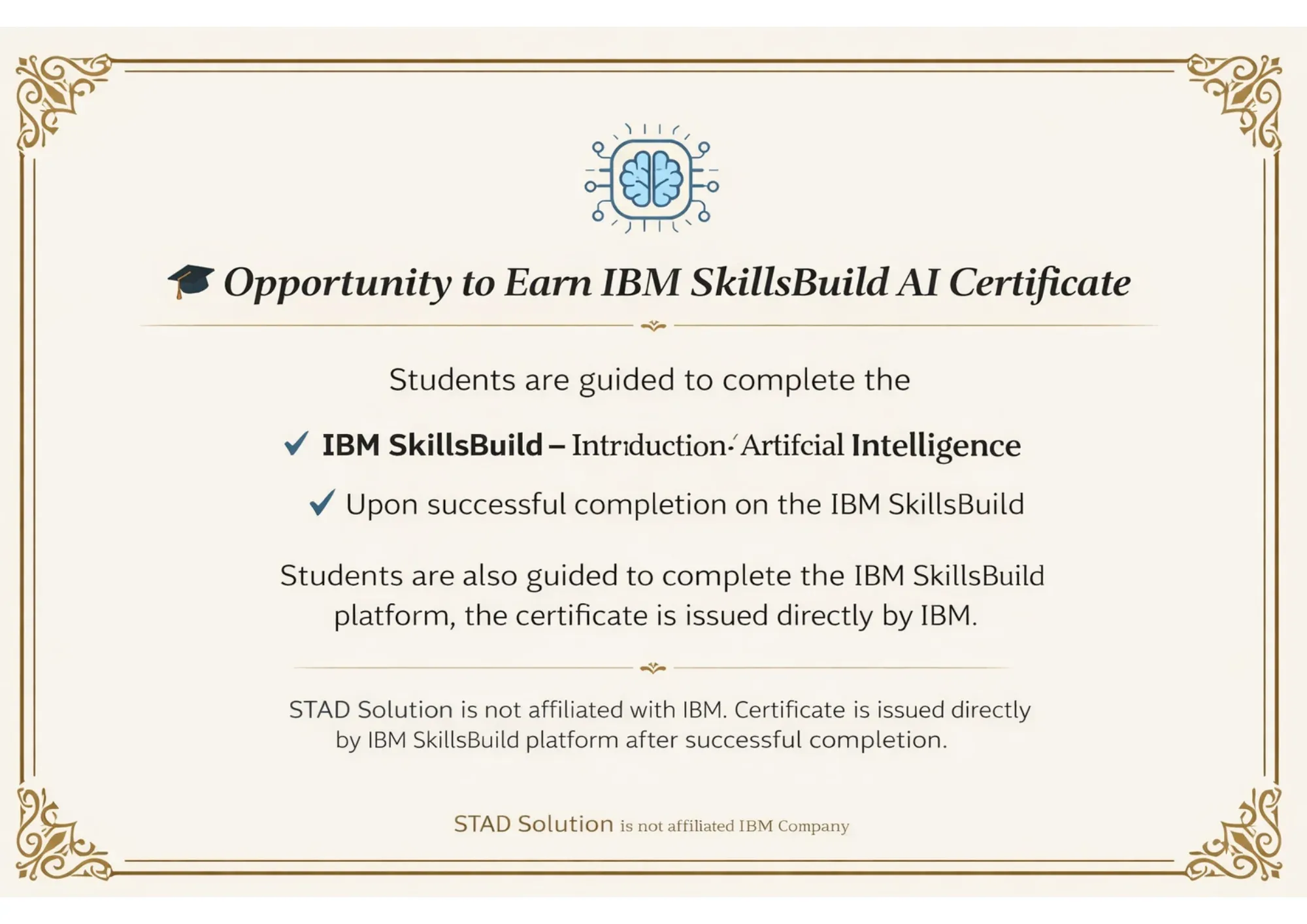
Those students who qualify in terms of course work and assignments will be provided with a certificate, as per the STAD Solution certification policy.
The Skill of Playwright might be useful in jobs like QA Automation Engineer, Automation Test Engineer and Software Test Engineer, among others. Some higher level jobs may also call for programming expertise along with other software development skills.
Get in touch with STAD Solution for information regarding available batch timings for weekdays and weekends along with the schedule.
For all your queries regarding the syllabus, fee structure, and enrollment process, please get in touch with STAD Solution on +91 75730 55577.