




Course Overview


Playwright Course
What You'll Learn & Build
Industry skills that take you from zero to automation expert
 Playwright


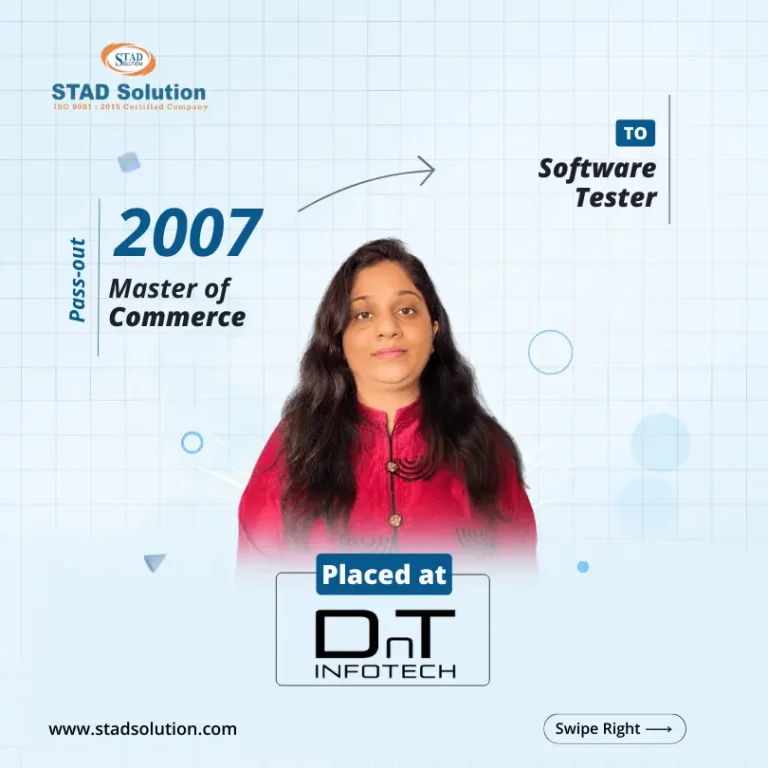


Best Training
STAD Solution transformed my IT skills. Excellent trainers, practical approach, and great learning atmosphere. Highly recommended

Mayank Verma
Placed In - TechMahindra Lodestone
Hands-On Training
Enrolling at STAD Solution was a game-changer. Top-notch courses, industry-relevant content, and dedicated instructors.

Arpi Patel
Placed In - TechMahindra Lodestone
Qualified Faculties
STAD Solution exceeded my expectations. Cutting-edge curriculum, hands-on labs, and supportive staff.

Tarshul Mehta
Placed In - Mplify
Practical Training
Choosing STAD Solution was the best decision. Exceptional training programs, expert guidance, and real-world projects.

Dhruvi Parikh
Placed In - Spyker Ltd
Personalized Attention
STAD Solution equips students for the IT industry with innovative courses, latest technologies, and personalized attention.

Aman Gohil
Placed In - codExalters Techlabs
Quality Training
Quality training, expert instructors, updated content, and practical exercises. Remarkable for IT enthusiasts

Dipesh Chauhan
Placed In - Ellkay Software


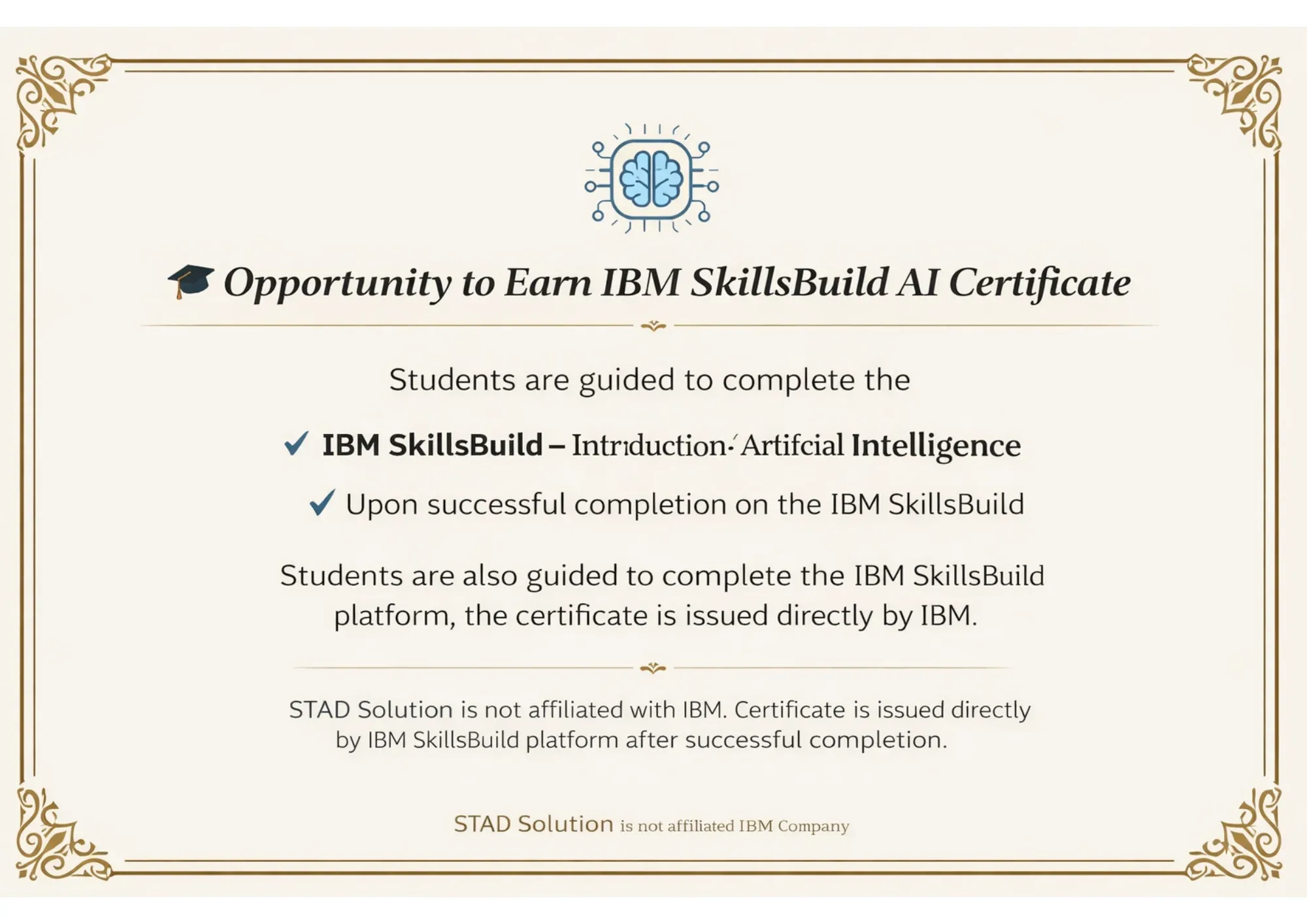
Certificates


Curriculum
Introduction of JavaScript
Setting up Node.js and VS Code
Variables (var, let, const)
Data Types (string, number, boolean, array, object)
Operators & Expressions
Functions (normal, arrow functions)
If-else, Switch
Loops: for, while, for-of, forEach
Scope & Closures
Objects & Arrays
Array Methods (map, filter, reduce)
JSON Basics (parsing & stringifying)
Error Handling with try/catch
ES6+ Features (Template literals, Destructuring, Spread/Rest)
Modules: import and export
npm Commands
Node.js File System Basics
Introduction to Playwright & Features
Installation and Setup
First Playwright Script
Writing Tests with Playwright Test Runner
Hooks: beforeAll, beforeEach, afterEach, afterAll
Config File (playwright.config.js)
Playwright Locators (getByRole, getByText, getByPlaceholder)
Click, Fill, Hover, Drag-Drop
Handling Dropdowns, Checkboxes, Radio Buttons
Handling Multiple Tabs and Pop-ups
Auto-waiting & Assertions with expect()
Screenshots & Video Recording
Introduction to API Testing
Using Requests for API Calls
Validating JSON Response
GET, POST, PUT, DELETE Methods
Combining API + UI Tests
Why is POM Needed
Creating Page Classes in JavaScript
Structuring Large Projects
Reusability & Maintainability
End-to-End Framework Setup
What is Maven & Why Use It
Maven Project Structure (pom.xml)
Adding Dependencies in pom.xml
Running Tests via Maven
Maven Lifecycle: compile, test, package
Maven Surefire Plugin
What is Git & Version Control
Git Installation & Configuration
git init, add, commit, status, log
Branching: create, switch, merge
Creating GitHub Repository
git push, pull, clone, fetch
Pull Requests & Code Review
Resolving Merge Conflicts
.gitignore Setup for Node.js
What is CI/CD
Jenkins Installation & Setup
Jenkins Dashboard Overview
Creating Freestyle & Pipeline Jobs
Build Triggers (manual, scheduled, webhook)
Jenkinsfile (Declarative Pipeline)
Running Playwright Tests in Jenkins
Publishing HTML/Allure Reports in Jenkins
Jenkins + GitHub Integration
Full Pipeline: Push Code → Build → Test → Report
What is Generative AI
Role of GenAI in Software Testing
Overview: ChatGPT, GitHub Copilot, Gemini
Prompt Engineering for QA
Generating Playwright Test Scripts using AI
Auto-generating Locators & Test Data
AI-assisted Debugging of Failed Tests
Using AI for Test Documentation
Practical GenAI + Playwright Workflow
FAQs
Yes. This is a Playwright course for beginners in Mumbai and beyond. No prior automation experience is required to start.
Basic programming helps, but we cover everything from scratch during the training.
Yes, it is a live, instructor-led Playwright automation course online with full support and practice sessions.
Yes, you will receive a course completion certificate from STAD Solution after finishing the training.
All sessions are recorded. You can access the video later and also ask your doubts in the next session.
Yes, this is a Playwright automation course with placement help. We guide you with interviews, resumes, and job referrals.
Yes. The classes are scheduled to suit working professionals, and you can also access recordings if needed.
Yes. We include hands-on tasks and real-time projects to help you apply what you learn.
You will learn Playwright with JavaScript or TypeScript, and we will also cover basic Node.js setup.
No, it's available for everyone, but it's also the top-rated Playwright automation training in Mumbai.
Yes, this is a complete Playwright framework course that covers folder structure, reusable code, and best practices.
Yes, all sessions are handled by experienced trainers who’ve worked on real-time projects in companies.
Yes. Our Playwright API testing course is included in the training without any extra fee.
Yes. We conduct mock interviews and guide you with questions often asked in automation roles.
For fee details or payment options, please call us at +91 75730 55191.
The training usually runs for a few weeks with weekend and weekday options. You’ll get the full schedule after registration.
Yes. You’ll get full access to working code and sample projects for practice.
Yes. All sessions are live, and you can ask questions directly during the training.
You can reach out for any doubts even after the course ends. We also help with resume updates.
This is a proper Playwright automation testing training in Mumbai, focused on real projects, expert guidance, and career growth — not just basic overviews.




