




Course Overview









✦ Bonus Module





Best Training
STAD Solution transformed my IT skills. Excellent trainers, practical approach, and great learning atmosphere. Highly recommended

Mayank Verma
Placed In - TechMahindra Lodestone
Hands-On Training
Enrolling at STAD Solution was a game-changer. Top-notch courses, industry-relevant content, and dedicated instructors.

Arpi Patel
Placed In - TechMahindra Lodestone
Qualified Faculties
STAD Solution exceeded my expectations. Cutting-edge curriculum, hands-on labs, and supportive staff.

Tarshul Mehta
Placed In - Mplify
Practical Training
Choosing STAD Solution was the best decision. Exceptional training programs, expert guidance, and real-world projects.

Dhruvi Parikh
Placed In - Spyker Ltd
Personalized Attention
STAD Solution equips students for the IT industry with innovative courses, latest technologies, and personalized attention.

Aman Gohil
Placed In - codExalters Techlabs
Quality Training
Quality training, expert instructors, updated content, and practical exercises. Remarkable for IT enthusiasts

Dipesh Chauhan
Placed In - Ellkay Software


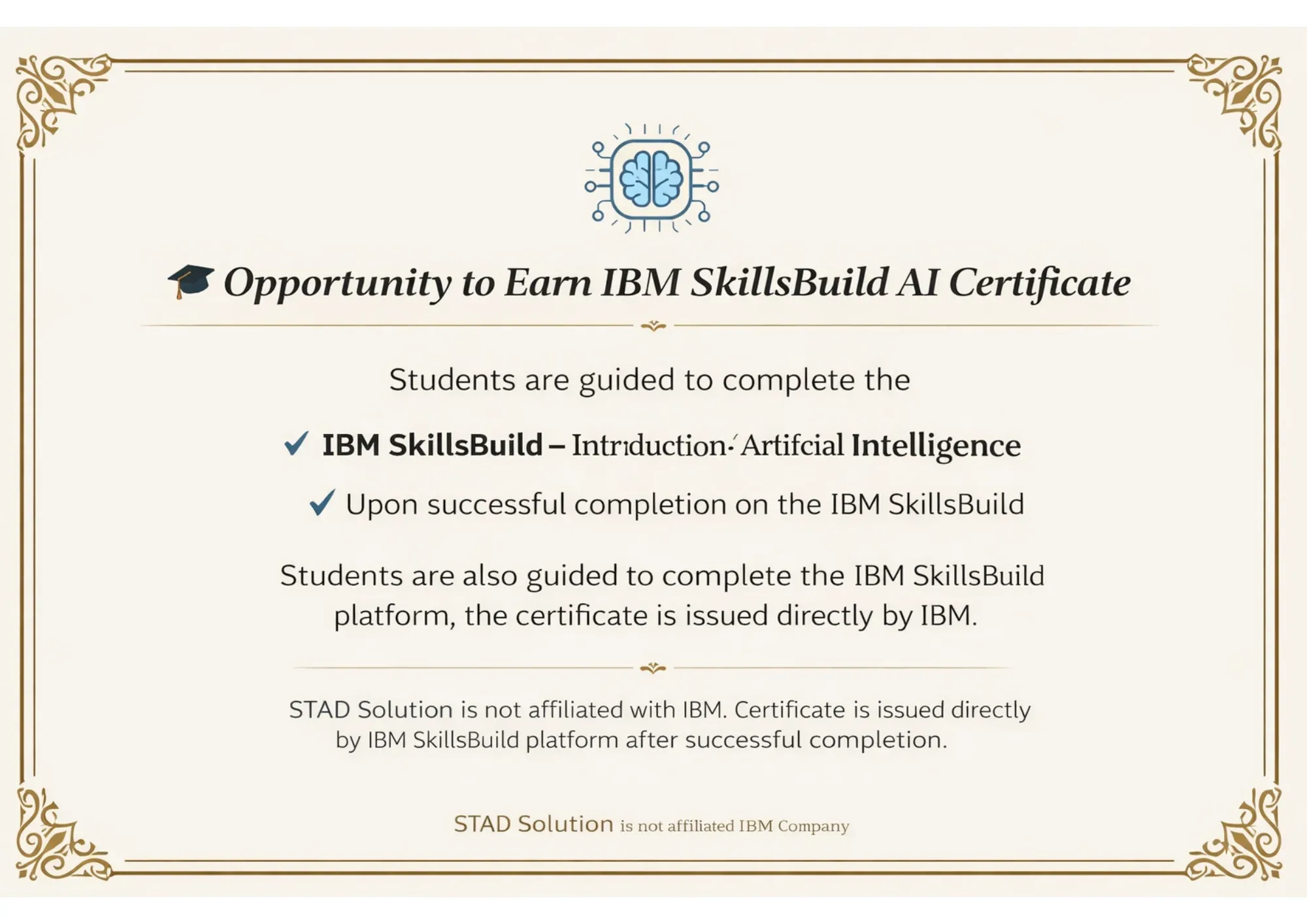
Certificates


Curriculum
Introduction of Java
Class Structure
Variables & Methods
Variables & Methods
Statements
Array
OOPs
Miscellaneous - Package, Import, Typecasting etc
Practical Programs
What is Automation ?
Advantages and Disadvantages of Automation
Different Types of Automation Tools
What to Automate in Projects
When to Start Automation
Scope for Automation Testing in Projects
Introduction to Web Driver
Advantages
Different between RC and Web Driver
Locators (How to find locators through Firebug and Manually, Common HTML Structure etc)
Id, Name, Xpath, CSS
Selenium WD-Browser commands
Selenium WD-validate commands
Selenium WD-Interaction Commands
Working with Browser Elements
Working with Multiple Windows/ iFrames
Working with Drop Downs
Working with Excel
ass the data from Excel
Export reports into Excel
Working with multiple browser
What is Selenium Grid?
When to Use Selenium Grid?
What is a Hub and Node?
How to Install and Use Grid 2.0?
Designing Test Scripts That Can Run on the Grid
Using the Desired Capabilites Object
Using the RemoteWebDriver Object
Running a Sample Test Case on the Grid
Sequential and Parallel Test Execution
Running Tests on different Browsers
What is Maven and Why Maven?
Installing/Configuring Maven
Creating Maven Project
What is POM.xml?
Adding Dependencies to POM.xml
Selenium Web Driver setup
Arranging Tests in 3-As format
F.I.R.S.T Principles and SRP
Various Annotations in TestNG
TestNG configuration file
Configuration Annotations
Attributes of @Test
Parallel Test Execution Capability
Assertion APIs
Passing Parameters to Tests
Configuring Test Suites
Reports using TestNG
Introduction to Cucumber
Setting Up Cucumber Environment
Writing Feature Files
Gherkin Syntax
Step Definitions
Running Cucumber Tests
Cucumber Options
Data Tables
Scenario Outline and Examples
Hooks in Cucumber
Tags in Cucumber
Integrating Cucumber with Selenium
Cucumber Reports
Parameterizing Tests
Introduction to CI/CD
Overview of Jenkins
Installing and Configuring Jenkins
Understanding Pipelines
Creating a Simple Pipeline
Pipeline as Code (Jenkinsfile)
Configuring Source Code Management
Automated Builds
Automated Testing
Continuous Integration Workflows
Introduction to GitHub
Setting Up GitHub Account
Understanding Repositories
Creating and Cloning Repositories
Basic Git Commands
Committing Changes
Branching and Merging
Pull Requests
Introduction to Postman and its role.
Key features and benefits.
Installing Postman on various platforms.
Understanding APIs and their significance.
Overview of HTTP protocol.
RESTful architecture principles.
Postman interface overview.
Navigating requests, collections, and environments.
Building and sending HTTP requests.
Using GET, POST, PUT, DELETE methods.
Sending requests with parameters and headers.
Handling request bodies and file uploads.
Understanding API responses and status codes.
Writing tests for API validation.
Organizing requests with collections.
Importance of performance testing.
Overview of testing tools.
JMeter installation and setup
Interface basics and test plan creation.
Configuring thread groups and scenarios.
Handling dynamic data with variables.
Parameterization using CSV and databases.
Running tests and real-time monitoring.
Analyzing results and reporting.
Advanced scenarios and distributed testing.
Adding assertions for validation.
GenAI Basics
Prompting for testers
Test Case Generation
Test Data Generation
Bug Report Summarization & Enhancement
Test Scenario Ideas
Code/Script Explanation
API Request/Response Understanding
GenAI Best Practices & Limitations
AI-assisted Debugging of Failed Tests
Practical GenAI + Playwright Workflow
MCP Server Connection
AI Agent
Resume Prep.
LinkedIn
PI - Preparation
Mock Interviews
FAQs
Our training covers Selenium basics, advanced techniques, and practical projects. You'll learn to use Selenium automation testing tools and get hands-on experience.
Yes, upon completing our Selenium automation testing course in Delhi, you will receive a certificate that validates your skills and knowledge.
The Selenium automation testing training fees vary based on the course level and duration. Contact us for detailed information on pricing and available discounts.
Yes, our Selenium automation testing online course with placement offers job assistance. We help with resume building, interview preparation, and connecting with potential employers.
Yes, we offer online certification courses for Selenium automation testing. These courses provide flexibility and allow you to learn at your own pace
Our Selenium training in Delhi includes tools like Selenium WebDriver, Selenium Grid, and Selenium IDE, along with frameworks like TestNG and Cucumber, Jenkins, Maven, Postman, Jmeter etc.
You can enroll in our Selenium automation testing courses by visiting our website or contacting our support team. You can Call or WhatsApp us on Following Numbers. 75730 55577 or 75730 555588 or 75730 55177
Yes, we offer a Selenium with Java course in Delhi. This course focuses on using Java for writing Selenium test scripts and automating web applications.
Our online automation training in Delhi is conducted through a robust platform. It includes video lectures, reading materials, assignments, and interactive sessions with instructors.
Our online course provides flexibility, expert instruction, hands-on projects, and a certification upon completion. It's designed to prepare you for a successful career in automation testing.




